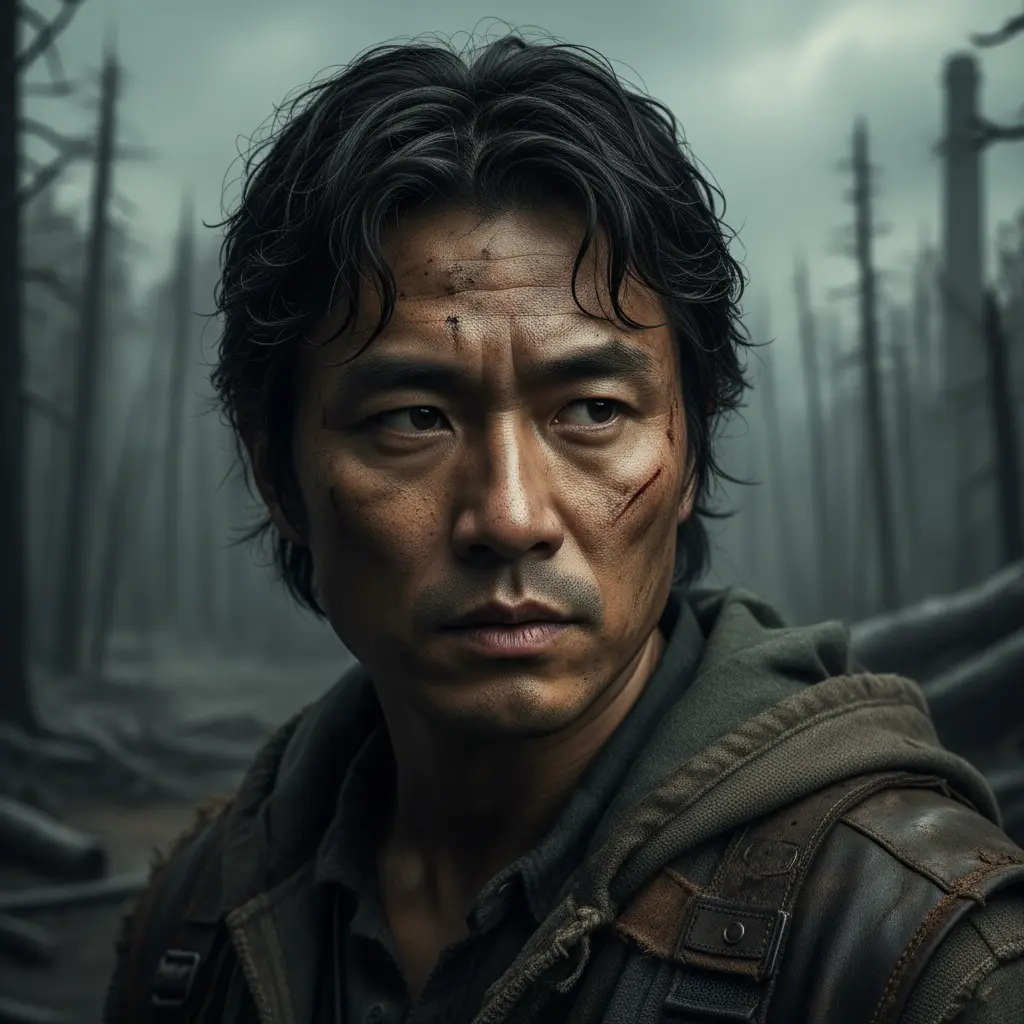

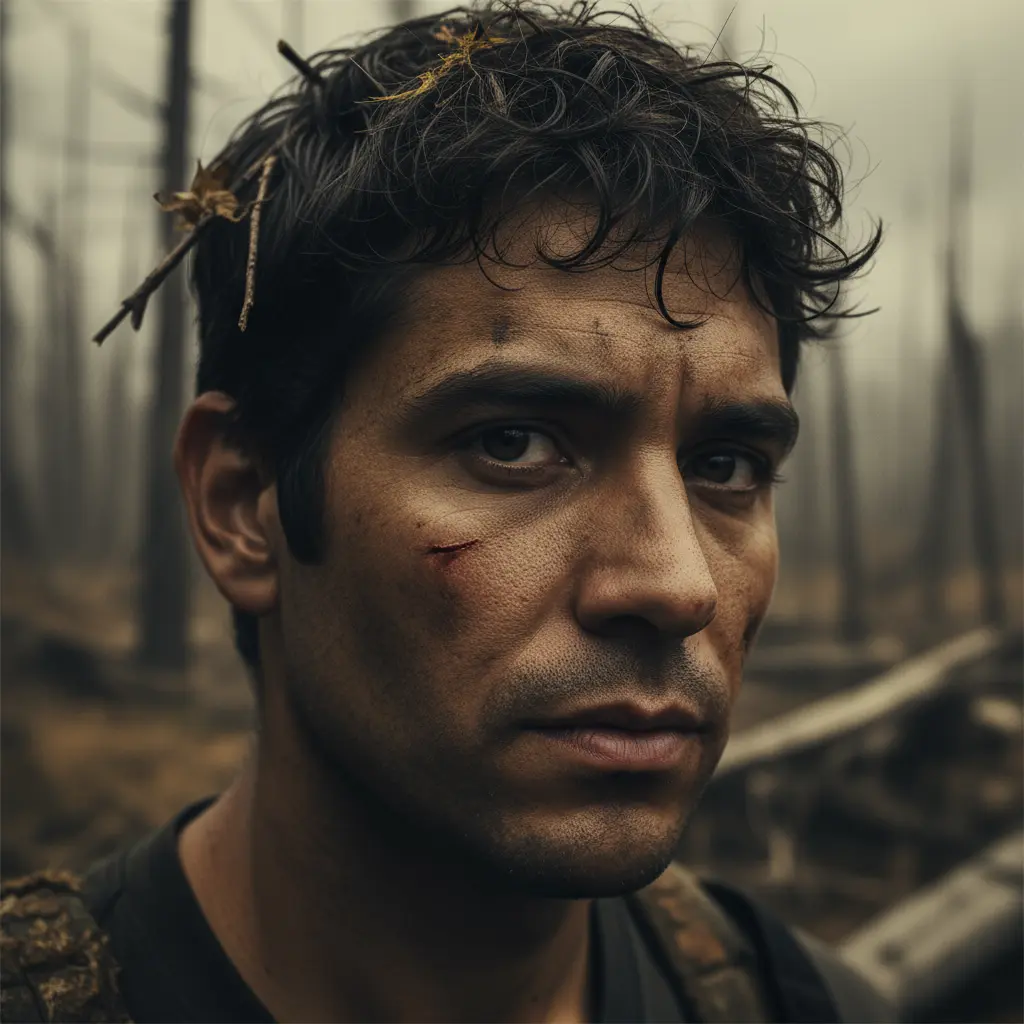

Portraits that match the cast
Use the included character art, upload image files in roster order, or import public direct image URLs. Portraits make long casts easier to scan and give every elimination or alliance a face.
Upload avatars, set attributes, and configure days — build your own Hunger Games.
Start with names, images, or both in this custom Hunger Games simulator. Every name and portrait stays together on one editable character card.
Each card keeps a character’s name and portrait together.
Start with the cast, not a wall of settings. Paste 8–48 names, upload images, or use the sample cast. Names create cards when you apply them; images can create editable Character cards immediately. Each card keeps its name and portrait together, so you can finish a complete free roster without creating an account or understanding every advanced control.
The custom Hunger Games simulator keeps everything after names optional. Add only the details that make the story more recognizable: portraits for a school group, attributes for rival characters, a seed for a repeatable result, or pacing controls for a longer narrative. You can stop customizing whenever the roster feels right.
Start with names, images, or both. Paste names one per line and apply them, or upload images to create editable Character cards. Eight completed cards unlock the free start action; the arena supports up to 48 tributes.
Keep the generated portraits or replace them, then tune Strength, Speed, Intelligence, and Survival only when those differences matter to your story. Game rules and events remain available as optional layers.
Launch from the visible start action and watch the bloodbath, day, night, feast, and finale rounds resolve. A seed lets experienced players replay the same setup instead of relying on a fresh random run.
A custom Hunger Games simulator should work for a quick friend-group game and a carefully planned creator run. The controls are organized in layers, so useful power is available without making every visitor configure it.
Use the included character art, upload image files in roster order, or import public direct image URLs. Portraits make long casts easier to scan and give every elimination or alliance a face.
Strength influences combat, Speed helps with escape, Intelligence supports strategy, and Survival matters in environmental events. Leave the balanced defaults alone or edit individual tributes to reflect the characters you know.
Choose 8–48 tributes, set a 3–10 day limit, pick a death rate, enable District Mode, and mix in your own events. Relaxed pacing creates more room for story; Bloodbath moves rapidly toward a winner.
The current project is automatically stored in this browser. Return on the same device to continue editing, copy the name list into a document for a portable backup, or clear the roster when you want a clean arena.
Portraits are optional in this custom Hunger Games simulator, and names and images do not depend on one another. Start with names, images, or both. Images uploaded before names create editable Character cards; images added later fill cards without portraits first and never replace an existing portrait.
For local uploads, select common browser image files up to 500KB each. When a cast already exists, review the explicit image-to-character matches and reorder them before applying. URL import uses the same fill-first rule; each link must begin with http:// or https://, point to a publicly reachable image, and allow the browser to display it.
The review shows each image beside its target character. Reorder the rows before applying, or replace one portrait directly from that character’s card afterward.
Paste one image URL per line. If an imported portrait stays blank, open the link in a private tab and confirm that it displays the image itself.
Browser storage is convenient but can be cleared. Copy important name lists into a document before changing devices, clearing site data, or using a private browsing session.
These answers cover the decisions that usually slow down a first run: how many names are needed, whether images are required, what is saved, and where paid story controls begin.
Yes. Enter at least 8 valid names and you can start the full free simulation. Images, attributes, custom events, game rules, and story planning are optional, so they never have to block a first game.
A roster can contain 8–48 tributes. Paste names in bulk for speed, then edit an individual card when one tribute needs a different portrait, district, gender, or set of attributes.
The picker accepts common browser image formats such as JPG, PNG, GIF, and WebP. Each local file must be 500KB or smaller. Oversized or invalid files are skipped instead of being assigned to the cast.
The link must be a direct, publicly accessible http:// or https:// image URL. Some websites block hotlinking, require a login, or return a webpage instead of the image file. In those cases, download the image and use local upload instead.
Yes, the current roster and configuration are automatically saved in local browser storage on this device. This is not cloud storage: clearing site data, using private browsing, or switching browsers can remove or hide the saved project.
Strength changes combat odds, Speed helps tributes escape, Intelligence supports strategic outcomes, and Survival helps with environmental danger. Balanced defaults are already usable, so only edit attributes when you want character differences to influence event weighting.
The standard simulation and basic setup remain free. Creator Pass is presented for advanced story-direction features, such as applying a planned narrative or Epic Story pacing. A paid action should take you to checkout; previewing the planning interface does not apply the plan to a free run.
Use the same roster, settings, and seed to reproduce the same randomized sequence. Leave the seed blank when you want the same characters to enter a fresh story with different events and a different winner.
Use the reading guides to place every book on the timeline or find similar dystopian casts for your next custom arena.
Try our instant play mode with pre-configured tributes ready for battle.